Your bank, live in Airtable.
How do I sync my bank accounts to Airtable?
Fintable syncs balances, posted transactions and supported investment holdings into your Airtable base. Connect your bank, choose a base and map its fields. Choose Airtable if you want linked records, custom views and automations alongside your financial data.
Trusted.
Listed on the Airtable Marketplace.
Reviewed and published by Airtable itself. You install Fintable the same way you install any first-class Airtable app — and it stays installed. We've been operating for more than 5 years.
Reliable.
A sync engine built on years of operation.
This is not something you want to build yourself if you want it to work reliably. Deduplication, retries, rate-limit handling, Force Re-Sync and per-field write rules. The things a Zapier chain quietly gets wrong after month three.
Secure.
Read-only at your bank.
You log in on your bank's own page, through regulated providers like Plaid, GoCardless and Akoya — Fintable never sees your credentials, and read-only access means it can never move money.
Built for the way you already use Airtable
Works with your Airtable base, not just our template.
Your columns are never touched.
Fintable only writes the fields marked with an asterisk. Add notes, receipts, links to your CRM, rollups, whatever you like — a sync will never overwrite them.
- *Date written by Fintable, kept if you edit it
- *Description written by Fintable, kept if you edit it
- **Amount re-written on a Force Re-Sync
- **Balance re-written on a Force Re-Sync
- Receipt yours — Fintable never writes here
- Notes yours — Fintable never writes here
- Project link yours — Fintable never writes here
Add as many fields of your own as you like — Fintable writes only to the ones it created.
Automations fire on real money.
Every synced row is an ordinary Airtable record, so your Automations, Interfaces, formulas and views work on it the moment it lands.
Investments too.
Connect a brokerage or retirement account and Fintable creates a Holdings table on the first sync — positions, units, prices and cost basis alongside your cash.

Categorized before it reaches your base.
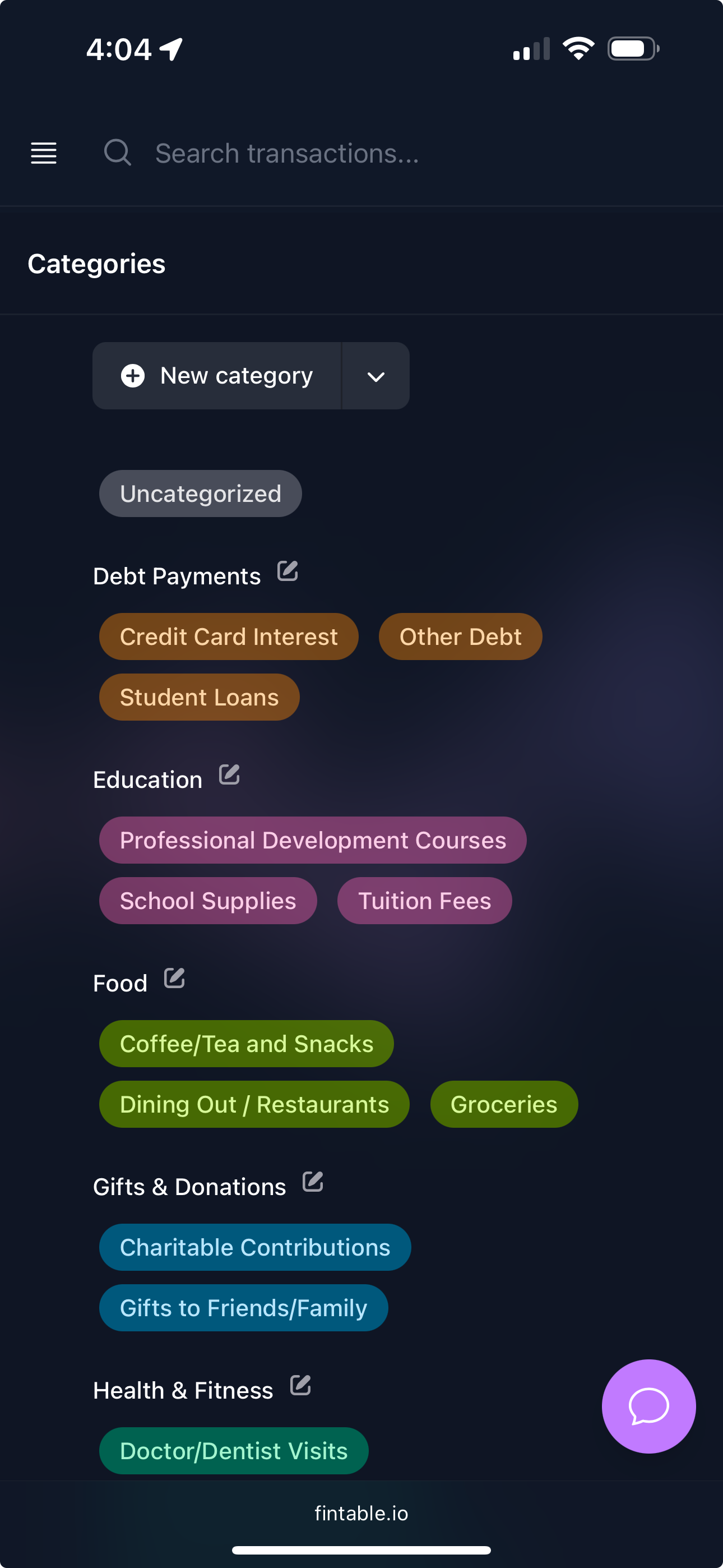
Write plain rules or let AI read the transaction, so your Airtable grouping, charts and budget rollups are right on arrival instead of after an evening of manual tagging.
Loved by Airtable builders
What people do with it.
“... and the product just SOLVED MY LIFE. Seriously, I'm sending this page to everyone I know who uses Airtable so they can jump on it. I even got my husband on board and now keeping track of our finances is a breeze!”

“Airtable has gotten my whole life together. Now that I can have all my transactions in airtable, I can set up dashboards that make date viewing and budgeting a breeze. Thanks!”

“Having live transaction data in Airtable has reduced inventory management latency ten-fold.”

Airtable questions
Something else on your mind? Write to us — a human replies.
- Do I need a paid Airtable plan?
- No. Fintable works with any Airtable base, including free-plan bases. Keep an eye on your record limit if you sync many years of history.
- Can I use my own base instead of your template?
- Yes. Point Fintable at any base that has the required fields. You can name the Accounts and Transactions tables whatever you like and add as many of your own fields as you want.
- Will a sync overwrite the notes I add to a transaction?
- Never during a normal sync. Fields marked with a single asterisk are written once and then left alone; only fields with two asterisks are refreshed, and only when you deliberately run a Force Re-Sync. Fields you create yourself are never touched.
- What happens to my data in Airtable if I cancel?
- It stays exactly where it is. The records live in your base, under your Airtable account. Disconnecting Fintable only removes our write access.
- Can I sync several bases?
- Each Workspace connects to one base. The Office plan adds multiple Workspaces, so you can run a separate base per client, company or household member from a single login.
- Does the sync go both ways?
- No — it is deliberately one-way, from your bank into Airtable. Fintable can never move money or send instructions to your bank, and read-only access is all we ever request.

Stop typing your bank statements into Airtable.
Free trial, no card required. Connect a bank, pick a base, and see your first transactions land in a couple of minutes.